WordPress has become the backbone of modern website development. Today, millions of bloggers, businesses, freelancers, and online stores depend on WordPress to manage their online presence. Despite its flexibility and user-friendly interface, many users regularly search for help with WordPress because managing a website involves technical decisions, updates, customization, and ongoing maintenance.
If you are struggling with WordPress setup, errors, performance issues, or customization problems, this detailed guide explains everything in simple English. Whether you are a beginner or already running a website, understanding how WordPress works and where problems usually occur can save both time and money.
Understanding Why WordPress Users Need Help
WordPress is powerful because it allows anyone to build a website without coding knowledge. However, this flexibility also introduces complexity. A WordPress website depends on multiple components working together — hosting server, themes, plugins, database, and core files.
When even one component stops working properly, the entire website can experience issues. Many users install themes or plugins without fully understanding compatibility requirements, which later causes errors or performance problems.
Most WordPress help requests arise when users attempt customization, install updates, or migrate websites without proper preparation. Learning how these systems connect helps prevent common failures.
Common WordPress Errors and How They Occur
Website errors are among the biggest reasons people seek WordPress assistance. Errors usually appear suddenly after updates or configuration changes, leaving website owners confused.
One of the most frustrating problems is when a website stops loading completely. Instead of content, users may see a blank page or an error notification. This typically happens due to plugin conflicts, exhausted server memory, or outdated PHP versions.
Another frequent issue involves database connection errors. Since WordPress stores all content inside a database, any disruption between hosting and database credentials prevents the website from loading.
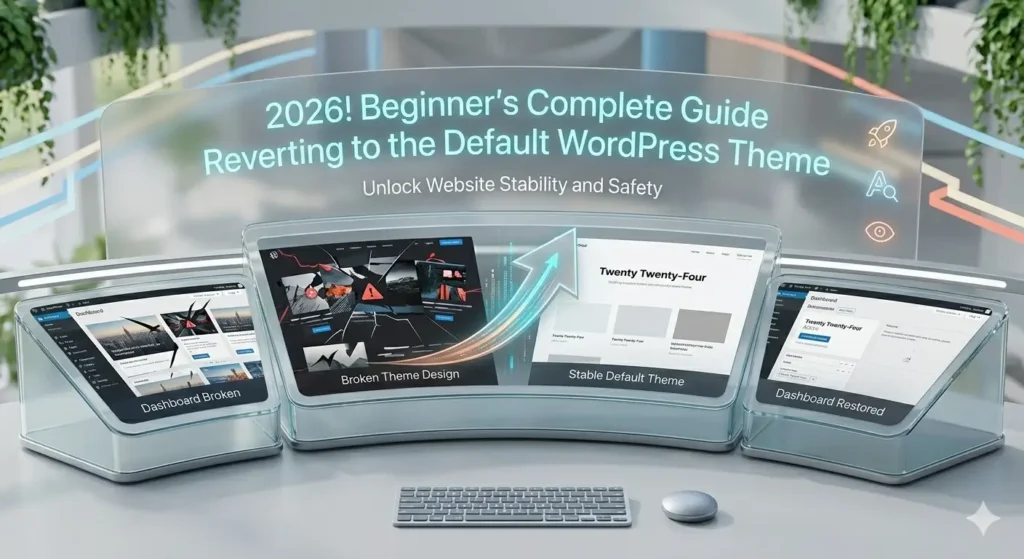
In many cases, switching temporarily to a default theme or disabling recently installed plugins restores normal functionality. Understanding this troubleshooting approach is essential for managing WordPress independently.
WordPress Login and Dashboard Problems
Accessing the WordPress dashboard is necessary for managing posts, themes, and settings. When login problems occur, website management becomes impossible.
Users often face login loops, incorrect password errors, or blocked access after multiple failed attempts. Security plugins sometimes lock administrators out unintentionally while protecting against brute-force attacks.
These situations usually require resetting credentials through email recovery or modifying settings directly from the hosting control panel. Maintaining secure login practices reduces future risks and keeps administrative access protected.
Theme-Related Issues in WordPress
Themes control the visual appearance and structure of a website. While themes make design easier, they are also responsible for many technical conflicts.
A poorly coded theme can slow down a website, break layouts after updates, or create mobile responsiveness problems. Sometimes users install feature-heavy themes that look attractive but contain unnecessary scripts affecting performance.
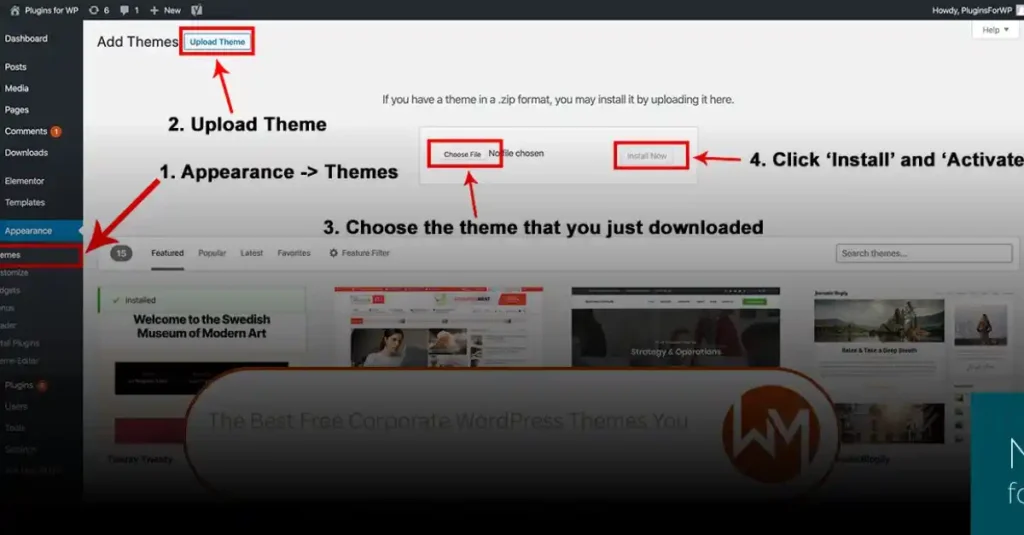
Before activating any new theme, testing it on a staging environment is highly recommended. If problems appear after installation, reverting to a default WordPress theme helps identify whether the theme is causing the issue.
Choosing lightweight and regularly updated themes significantly improves stability and long-term website performance.
Plugin Conflicts and Management
Plugins extend WordPress functionality by adding features such as SEO tools, contact forms, security protection, and page builders. However, excessive plugin usage often creates compatibility problems.
Instead of installing multiple plugins offering similar functions, website owners should focus on quality and necessity. Every active plugin consumes server resources and increases maintenance responsibility.
Common signs of plugin conflicts include sudden website slowdown, broken layouts, or dashboard warnings. Deactivating plugins one by one usually helps locate the conflicting extension.
Proper plugin management includes:
- Installing plugins from trusted developers
- Updating plugins regularly
- Removing inactive plugins
- Avoiding duplicate functionality tools
Maintaining a clean plugin environment keeps WordPress stable and secure.
Website Speed Optimization Support
Website speed plays a major role in user experience and search engine rankings. A slow WordPress site often results from heavy themes, unoptimized images, or low-quality hosting services.
Modern users expect pages to load within seconds. When loading times increase, visitors leave before interacting with content. Search engines also prioritize faster websites in rankings.
Improving performance involves optimizing images, enabling caching systems, and selecting reliable hosting infrastructure. Content delivery networks further enhance speed by distributing website data across global servers.
Performance optimization is not a one-time task but an ongoing process that ensures consistent website responsiveness.
WordPress Security Assistance
Security remains one of the most critical areas where WordPress users require help. Because WordPress is widely used, it becomes a frequent target for automated attacks.
Hackers commonly exploit weak passwords, outdated plugins, or unsecured hosting environments. Malware infections can redirect visitors, damage SEO rankings, or completely disable websites.
Strong security practices include keeping WordPress updated, using secure login credentials, enabling firewalls, and performing regular malware scans. Website backups act as the final safety layer, allowing recovery if an attack occurs.
Ignoring security maintenance often leads to serious long-term consequences.
SEO Help for WordPress Websites
Many website owners build WordPress sites expecting immediate search engine traffic but later realize rankings require proper optimization.
WordPress provides an SEO-friendly foundation, yet success depends on structured content, optimized metadata, and technical performance. Search engines analyze page speed, mobile usability, internal linking, and content relevance.
Effective SEO focuses on creating helpful content rather than excessive keyword usage. Proper heading structure, image optimization, and logical navigation help both users and search engines understand website content.
Consistency in publishing high-quality posts gradually improves visibility and authority.
Updates, Maintenance, and Backup Support
Regular updates are necessary to keep WordPress secure and compatible with modern technologies. Core updates improve performance while plugin and theme updates fix vulnerabilities.
However, updates sometimes introduce conflicts. For this reason, backups should always be created before performing updates.
A reliable maintenance routine generally includes:
- Scheduled website backups
- Plugin and theme updates
- Performance monitoring
- Security scanning
- Database optimization
Proper maintenance prevents unexpected downtime and protects website data.
Customization and Design Help
Customization allows website owners to create unique designs aligned with branding goals. WordPress offers multiple customization methods without requiring advanced programming skills.
Users can modify layouts using block editors, page builders, widgets, and theme customization panels. Typography, colors, headers, and navigation menus can be adjusted easily through visual settings.
While customization enhances appearance, excessive design elements can negatively affect speed and usability. Balanced design decisions ensure both aesthetics and performance remain optimized.
WooCommerce and Online Store Support
WordPress also powers thousands of online stores through WooCommerce integration. Managing an eCommerce website introduces additional technical responsibilities.
Store owners frequently need help configuring payment gateways, managing shipping options, and optimizing checkout processes. Smooth purchasing experiences directly influence conversion rates and customer satisfaction.
Performance optimization becomes especially important for online stores handling product images and real-time transactions.
When Professional WordPress Help Is Necessary
Although many issues can be solved independently, certain situations require professional assistance. Website hacking, complex migrations, or custom feature development often demand expert knowledge.
Hiring experienced WordPress professionals ensures faster problem resolution and prevents further damage caused by incorrect troubleshooting attempts.
Professional support becomes particularly valuable for business websites where downtime directly impacts revenue.
Preventing Future WordPress Problems
Long-term WordPress success depends on proactive management rather than reactive fixes. Websites that follow consistent maintenance routines rarely encounter major technical failures.
Monitoring performance, updating software regularly, and maintaining secure configurations significantly reduce risks. Learning basic troubleshooting skills empowers website owners to manage routine issues confidently.
Final Thoughts
Needing help with WordPress is part of every website owner’s journey. The platform offers incredible flexibility, but that flexibility requires understanding how themes, plugins, hosting, and updates work together.
Once users develop structured maintenance habits and follow best practices, WordPress becomes easier to manage and far more reliable. With proper optimization, security awareness, and performance management, WordPress can support blogs, portfolios, business websites, and large online stores successfully.
Mastering WordPress does not happen overnight, but consistent learning transforms challenges into opportunities for growth and better website performance.